Click by number
Say “numbers”, or press Ctrl+Alt+N on the PC, and every button in the active window gets a number, dialogs like “Save changes?” included. Say “three” or “click Send”, or tap the number in the list on your phone.
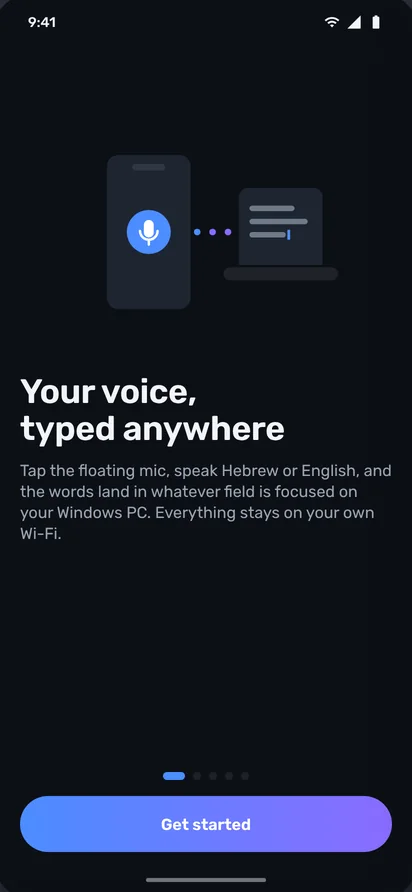
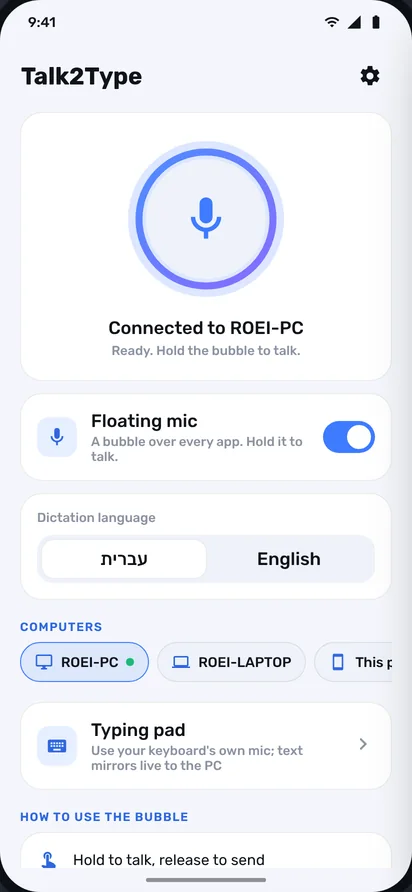
One mic bubble on your phone. Hold, talk, and the words land in whatever window is open on your PC: WhatsApp Web, Gmail, Word, an AI chat. Any language your phone's keyboard knows, and two of them in one sentence if you like.
You already send voice notes and dictate on WhatsApp. But at the PC, where the real work happens, you still type letter by letter. Talk2Type brings your phone's dictation to every window on your PC.
No PC microphone needed and nothing to learn: the phone already in your pocket is the mic, and the speech recognition is Google's, the same one in your phone's keyboard.
Talk2Type types exactly like a keyboard, so it works anywhere there's a cursor. Scroll, and the PC switches windows.
Reply to Mom from the PC without picking up the phone. Say “send”, and it's sent.
hold the bubble · talk · let goA whole email with commas and new lines, hands off the keyboard. “Comma” is a comma. “New line” is a new line.
commands inside the sentenceUse two languages? Double-tap the bubble and it flips. Family in one, work in the other, same minute.
only the languages on your keyboardA long, detailed prompt in ten seconds. When you don't have to type, you explain properly, and get a better answer.
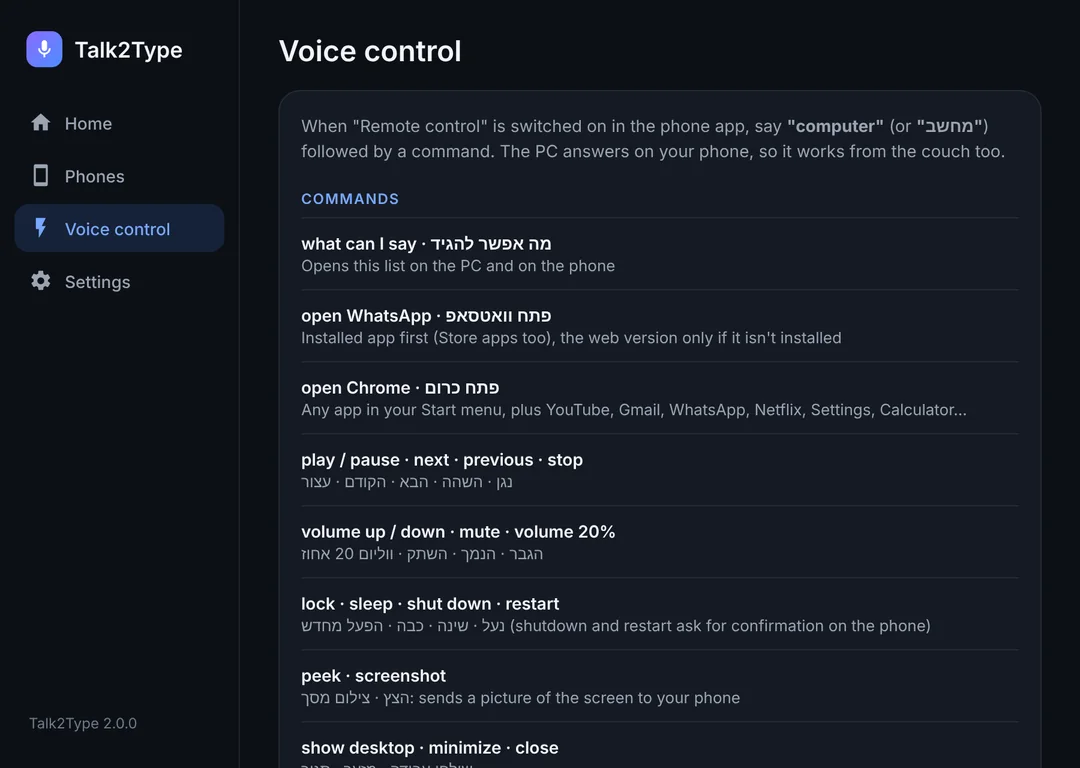
live dictation, word by wordThe remote pack: “Computer, volume 20.” “Computer, pause.” “Computer, lock.” Even “Computer, peek” sends a screenshot to your phone.
optional · off until you turn it onA normal Windows installer, free. Talk2Type sits quietly by the clock and starts with the PC.
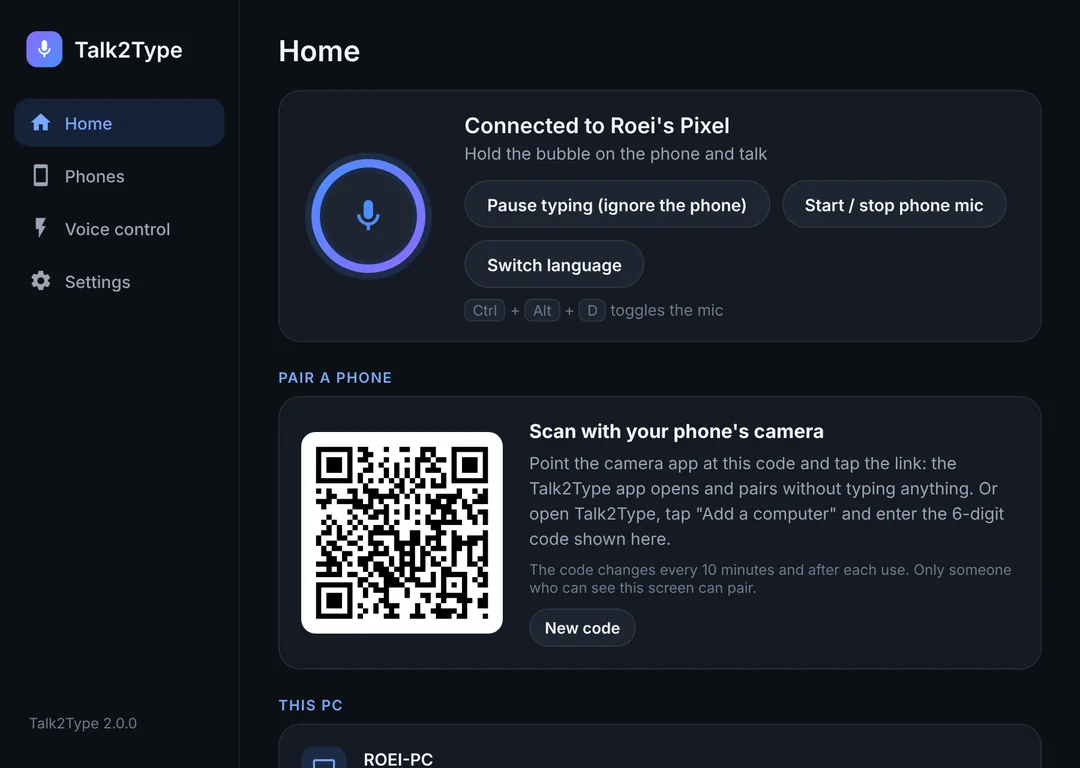
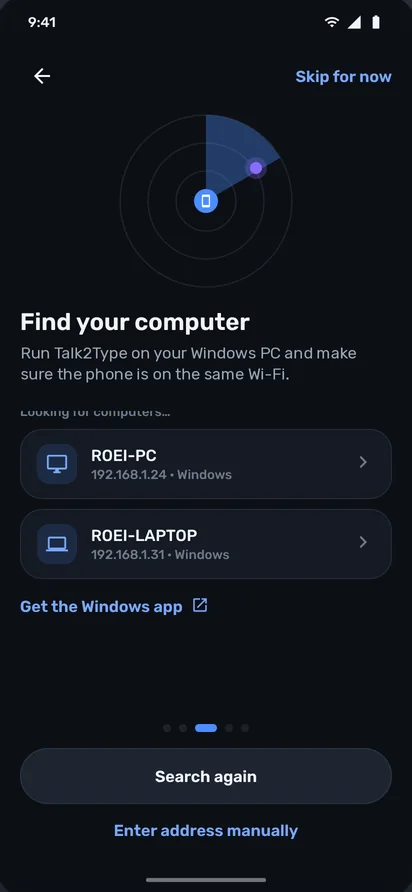
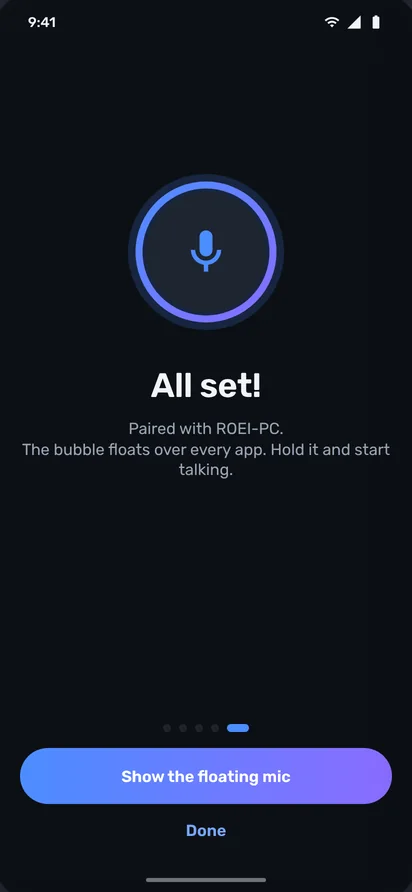
The PC shows a code, the phone scans it. From now on they know each other, over an encrypted link, even after a restart.
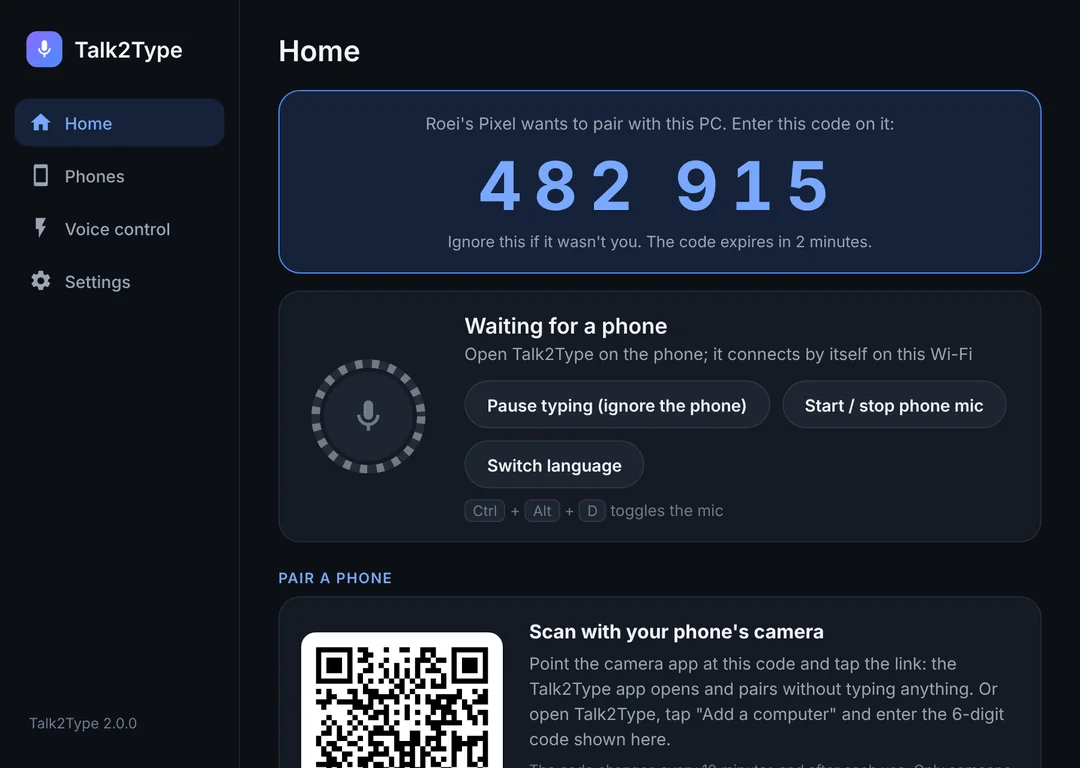
A small bubble floats over every app on the phone. Hold to talk, let go to send. One tap for hands-free.
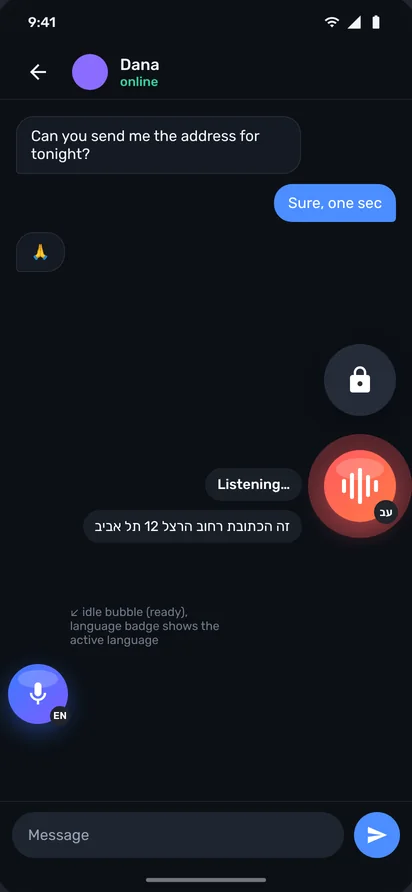
Edit by voice. Want the actual words? Say “literally” first.
The remote is a separate pack, off by default. Turn it on in settings if you want it; shutdown and restart always ask for confirmation on the phone first.
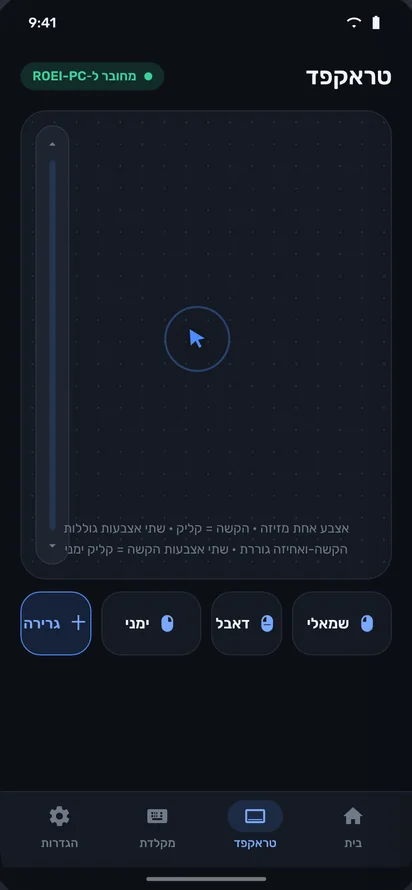
Away from the desk? Four more tools on the phone stand in for the keyboard and mouse, without getting off the couch.
Say “numbers”, or press Ctrl+Alt+N on the PC, and every button in the active window gets a number, dialogs like “Save changes?” included. Say “three” or “click Send”, or tap the number in the list on your phone.
Screen mode shows the PC on your phone. Pinch to zoom, tap to click, hold to right-click, and the typing bar sends text, Backspace and Enter.
One finger moves the pointer, tap to click, two fingers scroll, tap-and-hold drags. Just like a laptop.
Arrows, Backspace and Enter that act straight on the PC, hold to repeat. Plus a text field that uses your phone's own keyboard, mic button included.
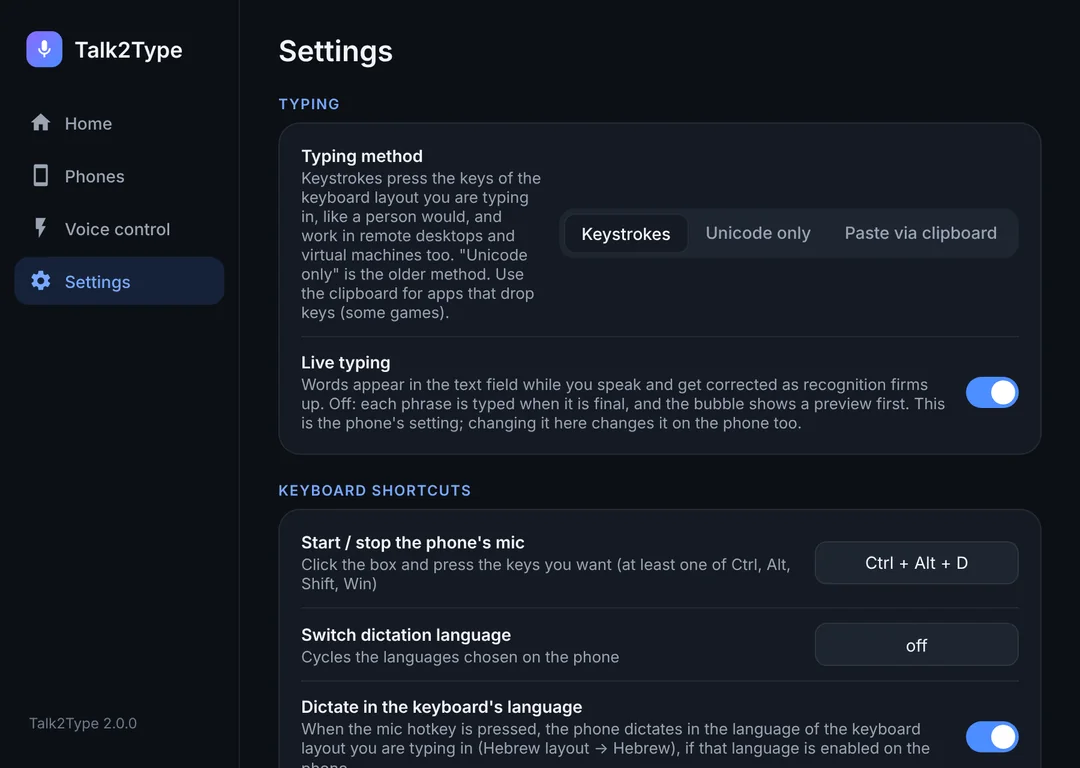
Phone in your pocket? Ctrl+Alt+D on the PC. The phone buzzes once and starts listening.
Talk2Type's notification waits while the phone is locked. One tap, talk, text on the PC.
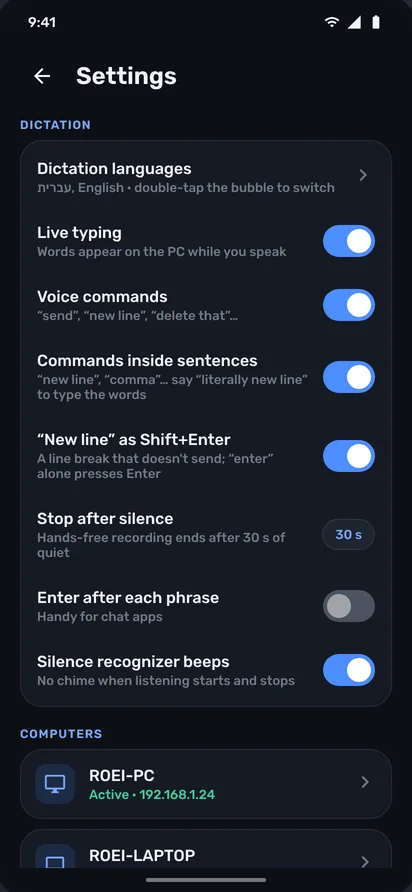
In hands-free mode, 30 seconds of quiet and the mic closes on its own. Nothing stays open by accident.
Words are typed on the PC as you speak. Or, if you prefer, they wait in a small bubble until you confirm.
Talk2Type offers the languages already on your phone's keyboard, not a list of 80. Double-tap the bubble to switch.
Text goes straight from phone to PC over your home network, encrypted, and the phone only trusts the PC you paired. No account, no cloud, no tracking.
Turn on “Type on this phone” and the same bubble types into any app on the phone. Same commands, same languages. Optional.
Free Windows app, standard installer, Windows 10 and 11. Several phones per PC, several PCs per phone.
Don't want a bubble on screen? Pick “Notification”, or drag the bubble onto the X and choose “Keep in notifications”. The notification mic and the PC hotkey keep working.
No common network, or a router that blocks devices? Talk2Type switches to Bluetooth on its own, and pairing takes one tap.
Hold the bubble and slide sideways onto the PC you want, or down to change language. Desktop and laptop, from one phone.
Windows' own mic sound when recording starts and stops (you can turn it off). And if the link drops mid-sentence, what you said waits on the phone's clipboard.
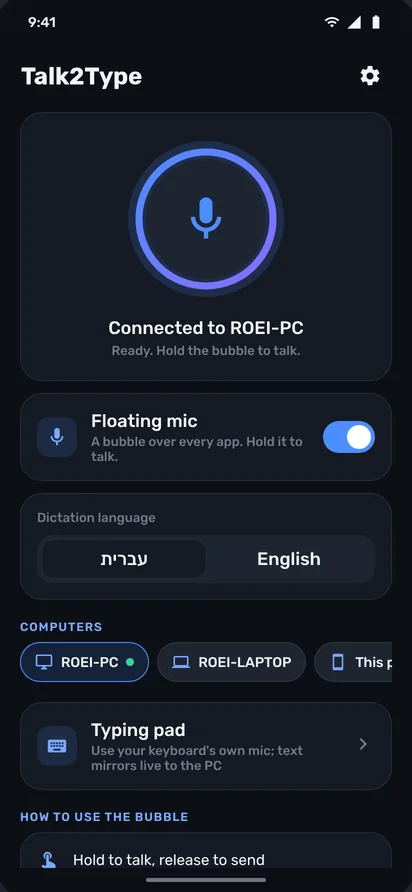
Price set on Google Play; may vary slightly by country and currency.
The PC app is always free. A normal installer, a few clicks, done.
Download for WindowsTalk2Type-Setup.exe · 2.5 MB · Windows 10 / 11 (64-bit)
The Android app is coming to Google Play soon. The PC app is ready to install now.
It does (Win+H), but it needs a good mic on the PC and supports a limited set of languages. Talk2Type uses your phone: a mic close to your mouth, Google's speech engine with strong Hebrew, one-tap language switching, voice commands, and control of the PC from the couch.
Yes. Talk2Type types just like a keyboard, so it works anywhere there's a cursor: browsers, Word, Outlook, WhatsApp, Slack, Excel, even games. For a stubborn app there's a preview mode that pastes the text.
It's best. On the same Wi-Fi, text goes straight between them, fast and with no servers along the way. No shared network? Talk2Type switches to a direct Bluetooth link between phone and PC on its own.
Talk2Type uses the Google speech recognition already on your phone, the same engine behind Google's voice keyboard. 20+ languages, and you can switch mid-sentence.
The link between phone and PC is encrypted, and the phone only talks to the PC you paired. We have no server, no user account, and no ads tracking you. Remote control and on-phone typing stay off until you turn them on.
If you like it, buy once inside the app and keep it forever. If not, uninstall. No card up front and no auto-renew.
Right now Talk2Type is for Android and Windows. Want another platform? Tell us: [email protected]
An Android 8.0+ phone with Google services (for speech recognition), and a Windows 10 or 11 PC. If the phone has no speech engine, Talk2Type tells you during setup and offers to install it.
Programs running as Administrator ignore input from normal programs; that's a Windows rule. Run Talk2Type as admin too, or switch to paste mode in settings.
In the app: Settings → Report a problem. It opens a ready email with device details and a short log, and you see exactly what's sent before sending. Or just write to us: [email protected]
A whole day free, no credit card. Long enough to not want to go back.